Aerospace Grade... Compute?
# Discovering the Server
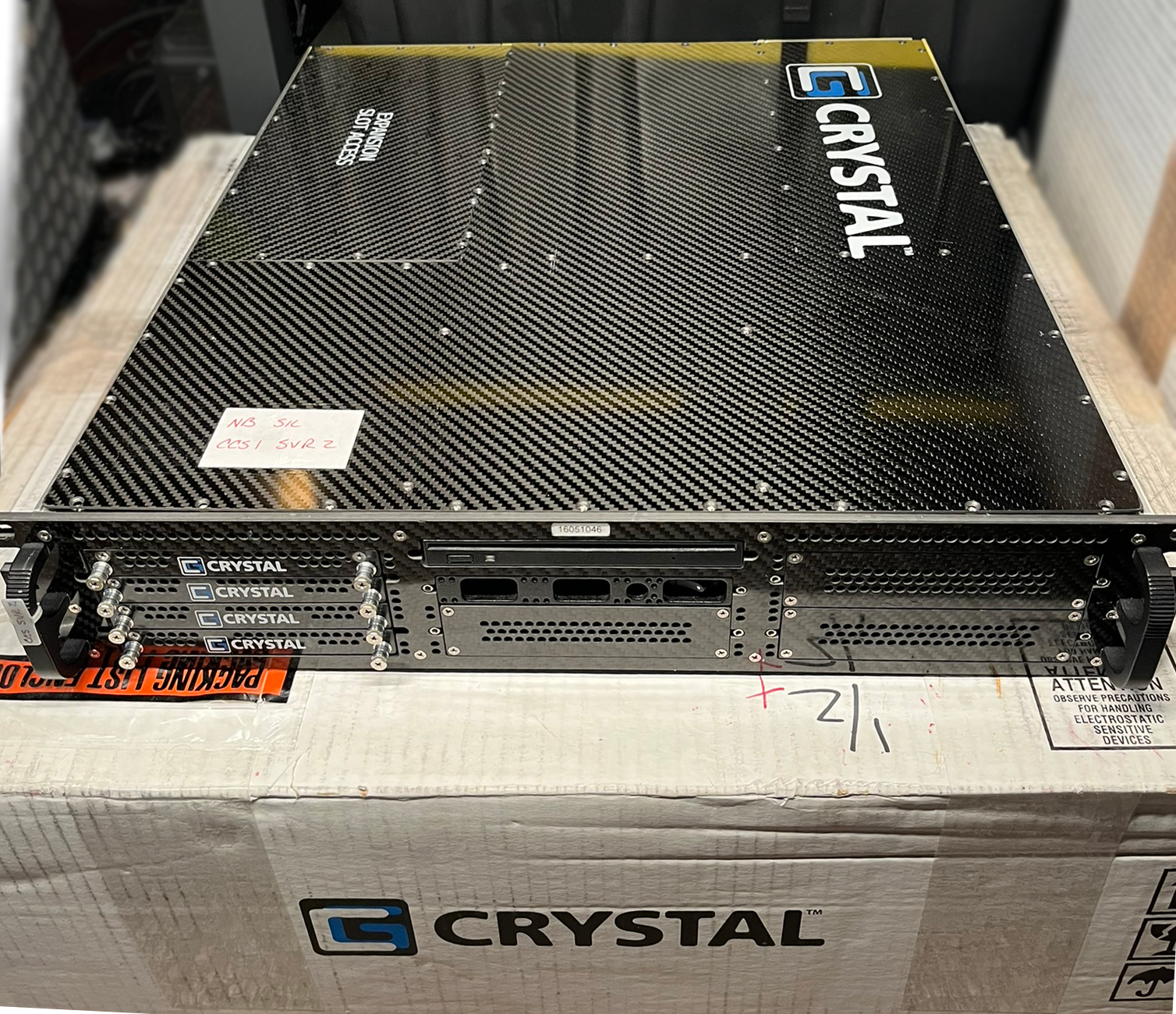
Don’t quite remember how I stumbled upon it, but in late August I found myself looking at an eBay listing for a “Crystal Rugged Model RS265P 2U Carbon Fiber Ruggedized Industrial Server.”
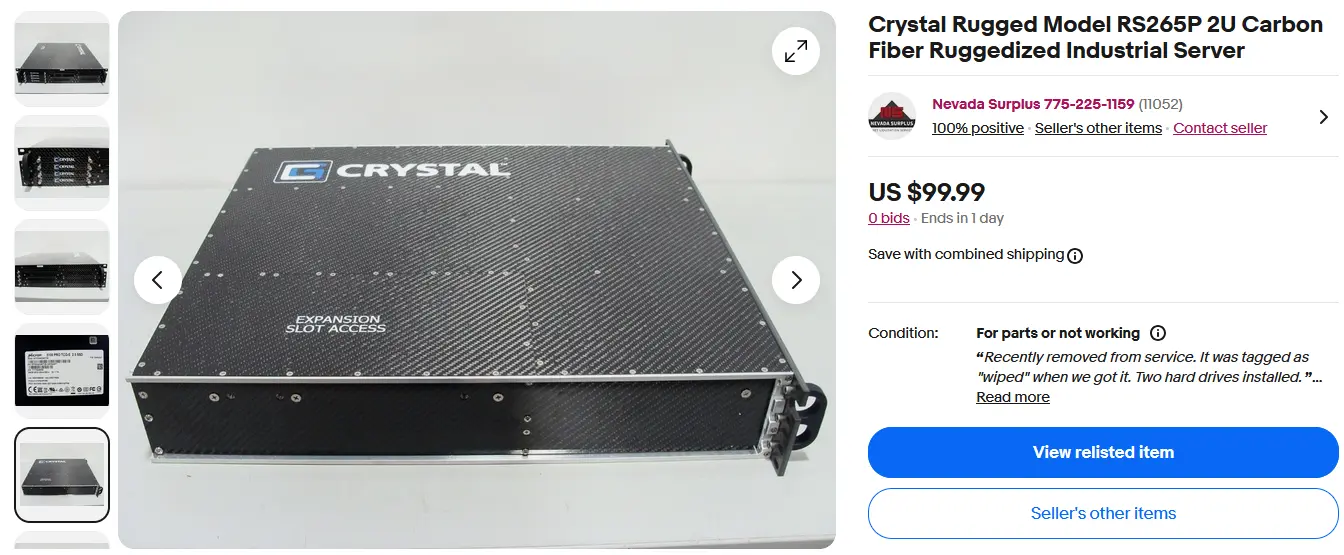
Now beyond the immediate “that's a thing??,” of seeing a carbon fiber server, a couple things caught my eye:
(1) a starting price of only $100 with 0 bids six days into a weeklong auction, and
(2) it was likely worth more than $100 - even with the dubious “for parts” eBay categorization.
# Research
RS265P Rugged 2U Carbon Fiber Server - Crystal Group (archive)
Looking at the description, I noticed that this was only marked as 'for parts' because the system was untested: “We are unsure of any other specs as we don't have a power cable to power it up.”
While “untested” and its close neighbor “for parts” often actually means “nothing works, but I don’t want to tell you that.” I trusted that this seller actually just didn't have the very unique DC power input nor the know-how or gear required to open up the case and connect an ATX PSU to the motherboard. I messaged the seller aiming to figure out the chances of the hardware actually being in working order.
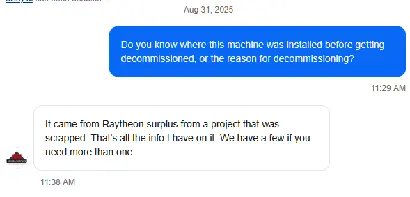
Well. Now I knew it was Raytheon/RTX surplus, and he had multiple units - despite only listing one. I figured the chances that Raytheon is auctioning off dead servers instead of scrapping them quite low...
# Purchasing
With my curiosity piqued enough, I put in my max bid of $125, and a day later I was the proud owner of… nothing. Someone outbid me in the last few seconds of the auction. Well, I went back to my DMs to the seller…. and ended up walking away with two servers, for $110 each. I did this due to an obsession with hoarding weird technology in hopes that I could resell one for double the money and keep the other - effectively getting one unit for free.
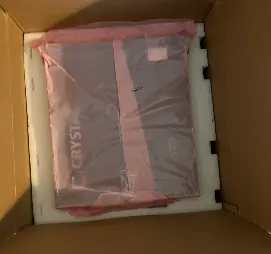
# The Server Arrives
# Included Paperwork
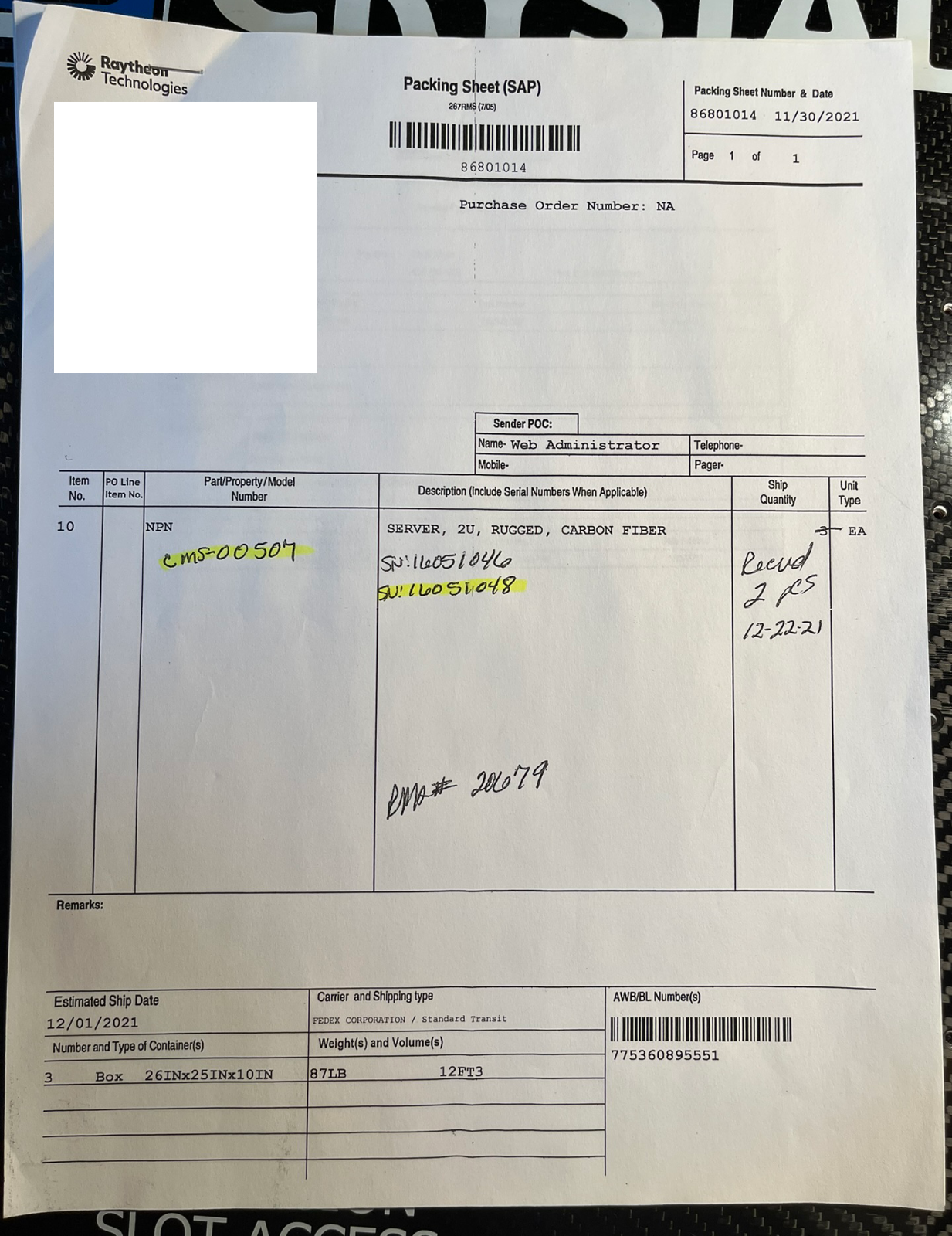
The servers came with some RMA paperwork - looks like they were both sent back to Crystal Rugged in late 2021 to get a USB 3.0 upgrade. Interestingly some of the paperwork had more contact information for the RTX employees involved than I expected. Not sure why they chose to include these docs, but OK.
# Exterior
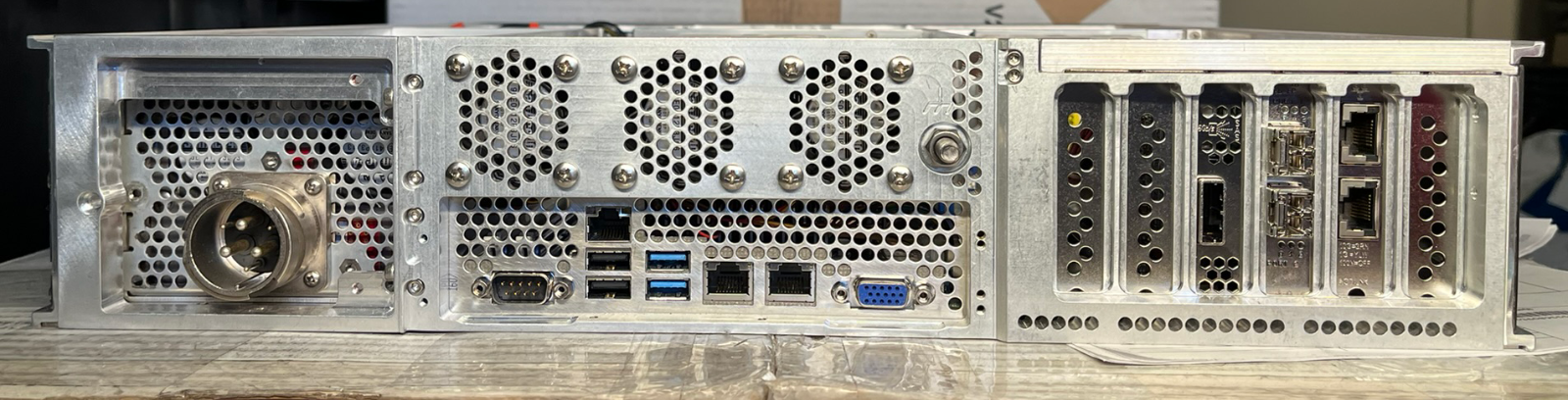
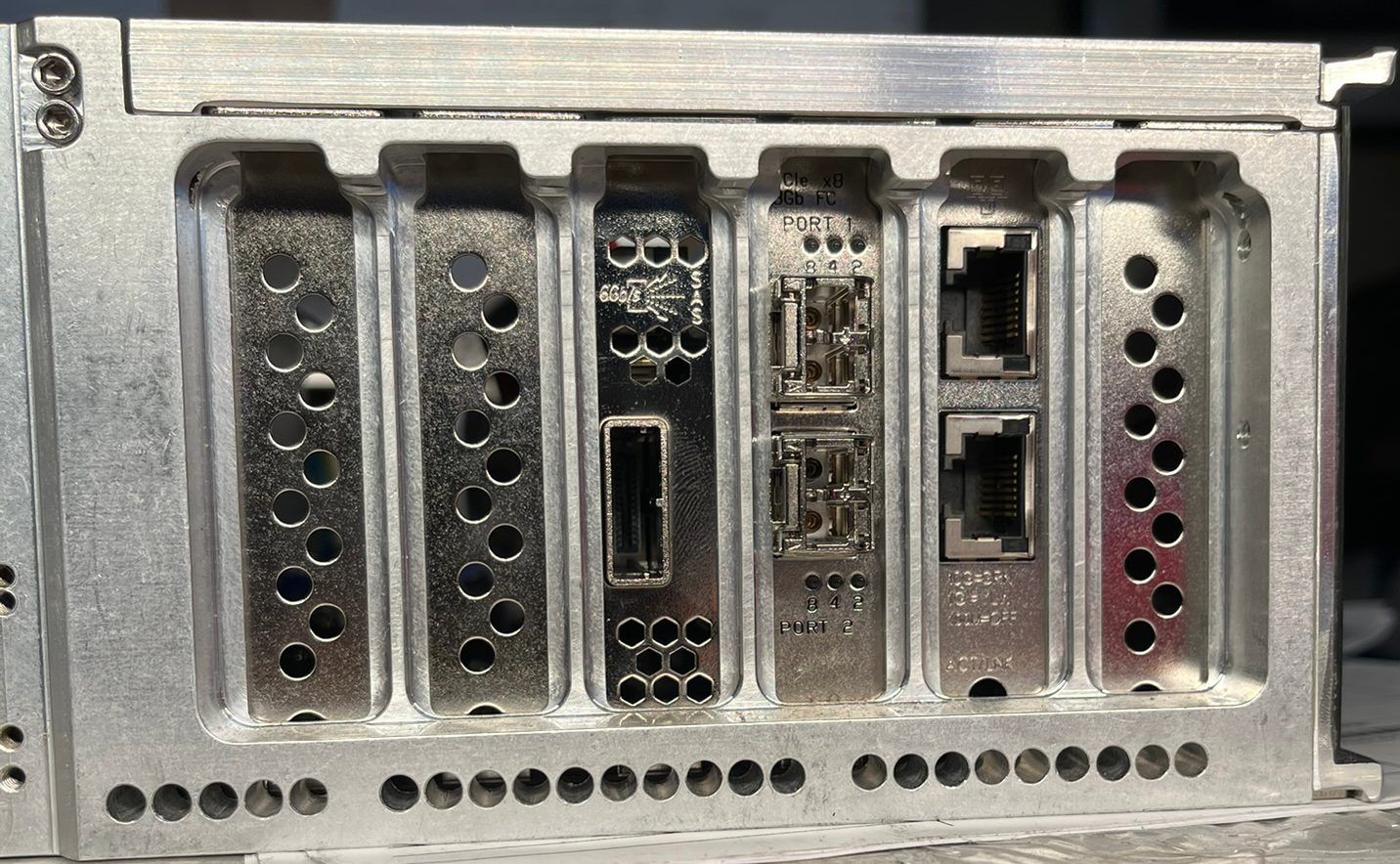
- The IO shield goes pretty hard. It's not the SuperMicro OEM one, but rather it's CNC’d just for this motherboard’s IO layout from a solid block.
- Fat ground connection
# Opening the server up
Apparently tool-less screws or latching mechanisms are too heavy so Crystal instead opted for seventy screws that need to be taken out in order to open up the server. In fairness to the designers of this sleek chassis, only 17 to get access to the PCIe lanes to service the cards, with the rest of the motherboard hiding behind the other 53.
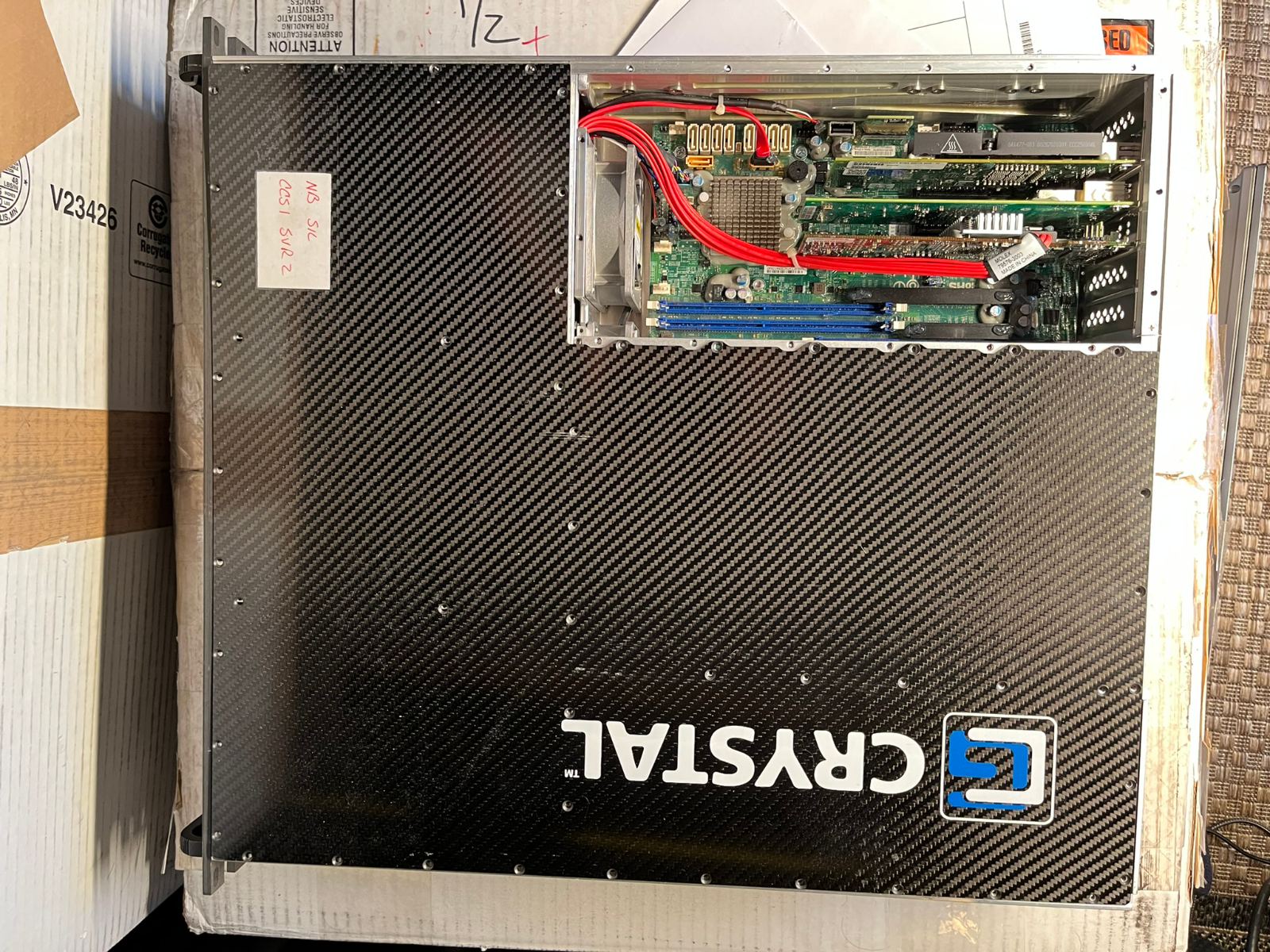
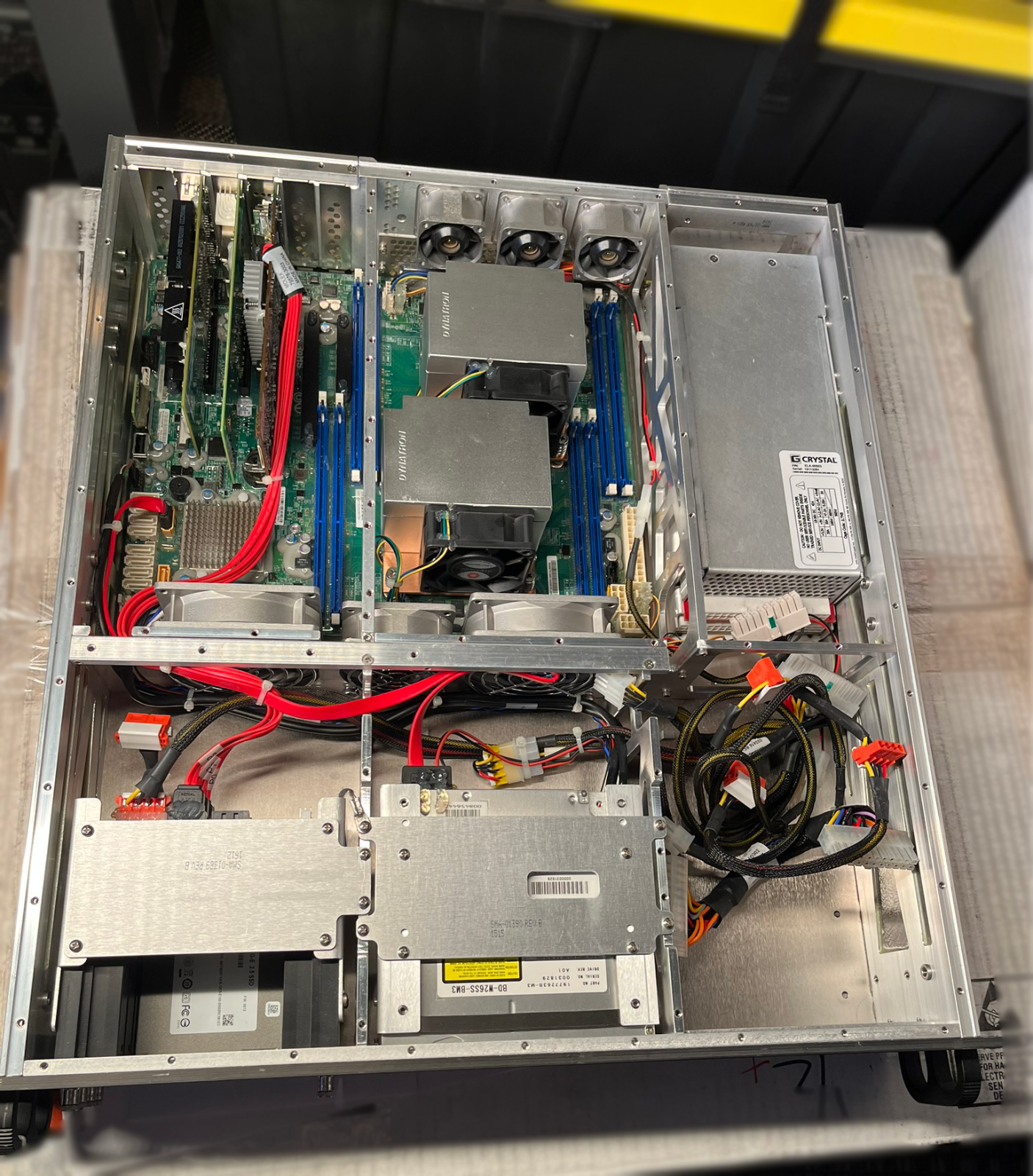
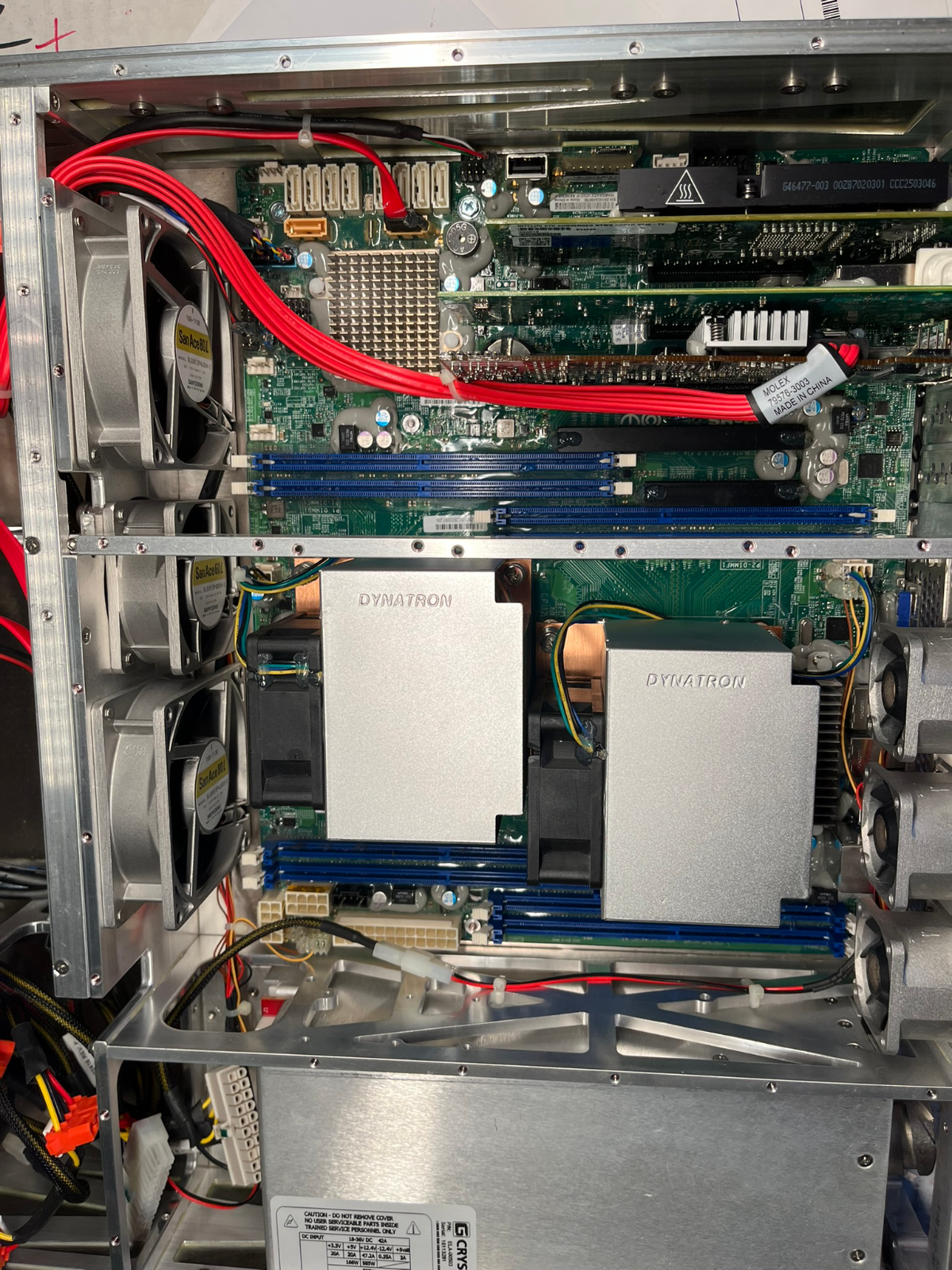
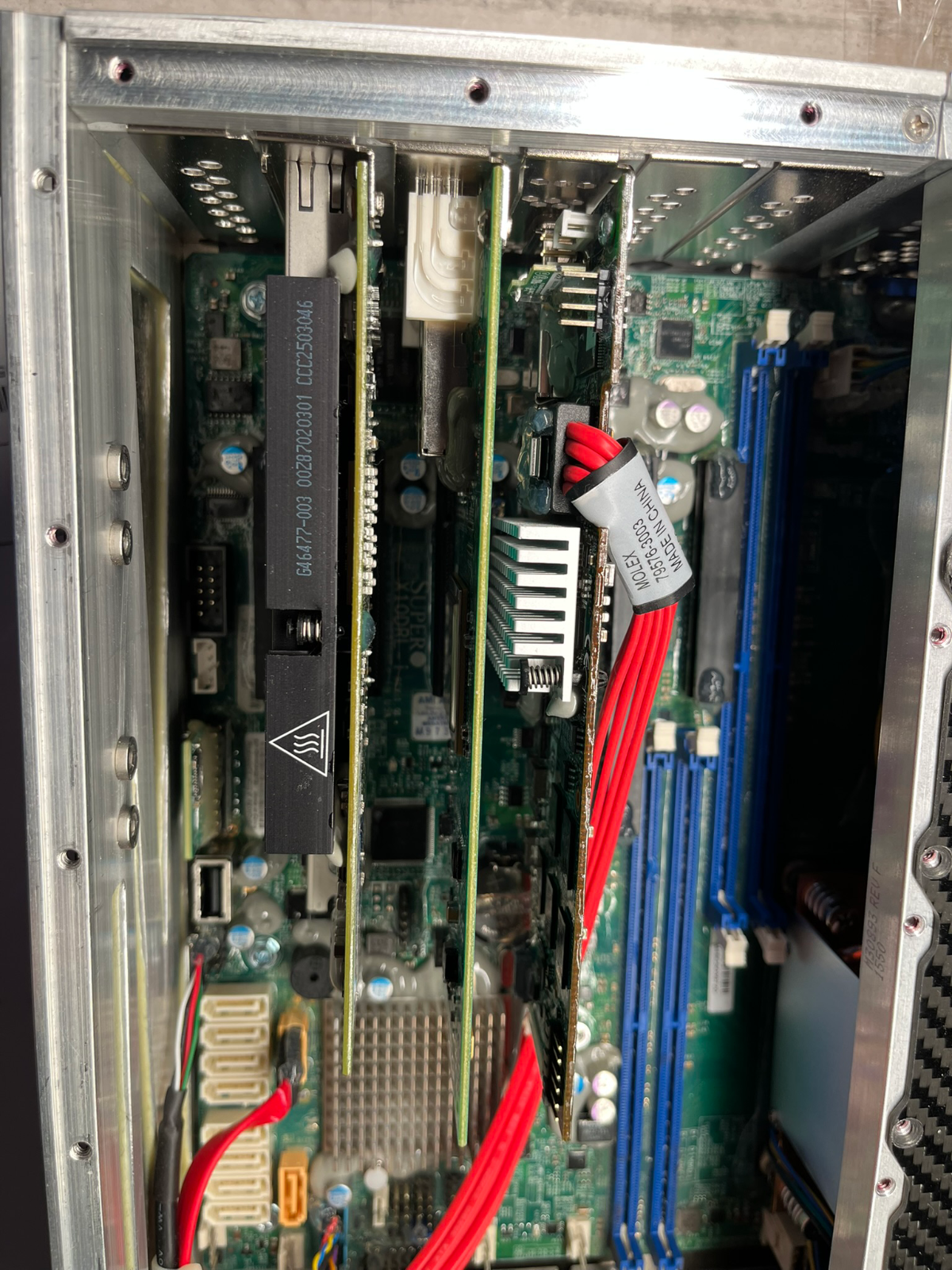
Crystal certainly wasn’t lying about the ruggedized nature of this build.
- The fans are nice SanAce models with sturdy aluminum frames, which I’ve never seen before.
- Unused PCIe lanes have dust covers
- Certain connections are hot-glued in place
- Plenty of ground wires
- All eight sticks of RAM have stabilizers, holding them in place -- perfectly equidistant from each other
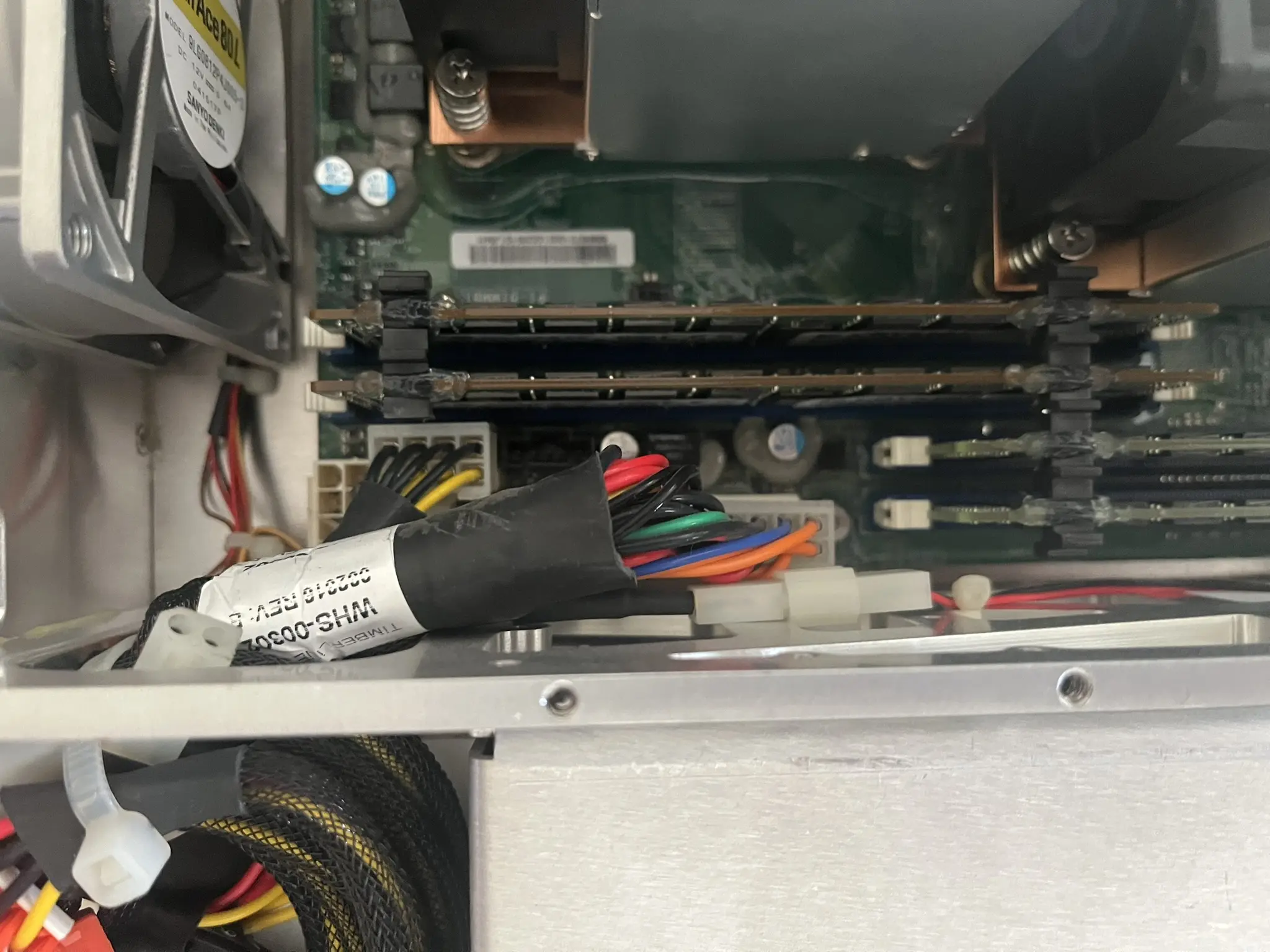
- Goop. Yup. A lot of goop. Zoom in on some of the photos above and you'll see:
- Some grey goop around capacitors
- Some clear goop around some traces and smaller chips (see base of the CPU heatsinks)
- Hot glue on certain connections (see drive backplane)
- And most interestingly, some oily goop in the PCIe lanes. Discovered this one when pulling out the RAM.
The grey and clear goop makes some sense to me - the server might be getting jostled around, and Crystal wanted to prevent any components on the PCBs from rattling their way off. Assuming the grey material handles higher temps better. I can't quite figure out, however, why the slots (expansion/PCI + RAM) have goop in them? In fact I think the RAM itself was a fair bit oily - not just at the contacts.
They also put their own stickers on the Samsung DIMMs
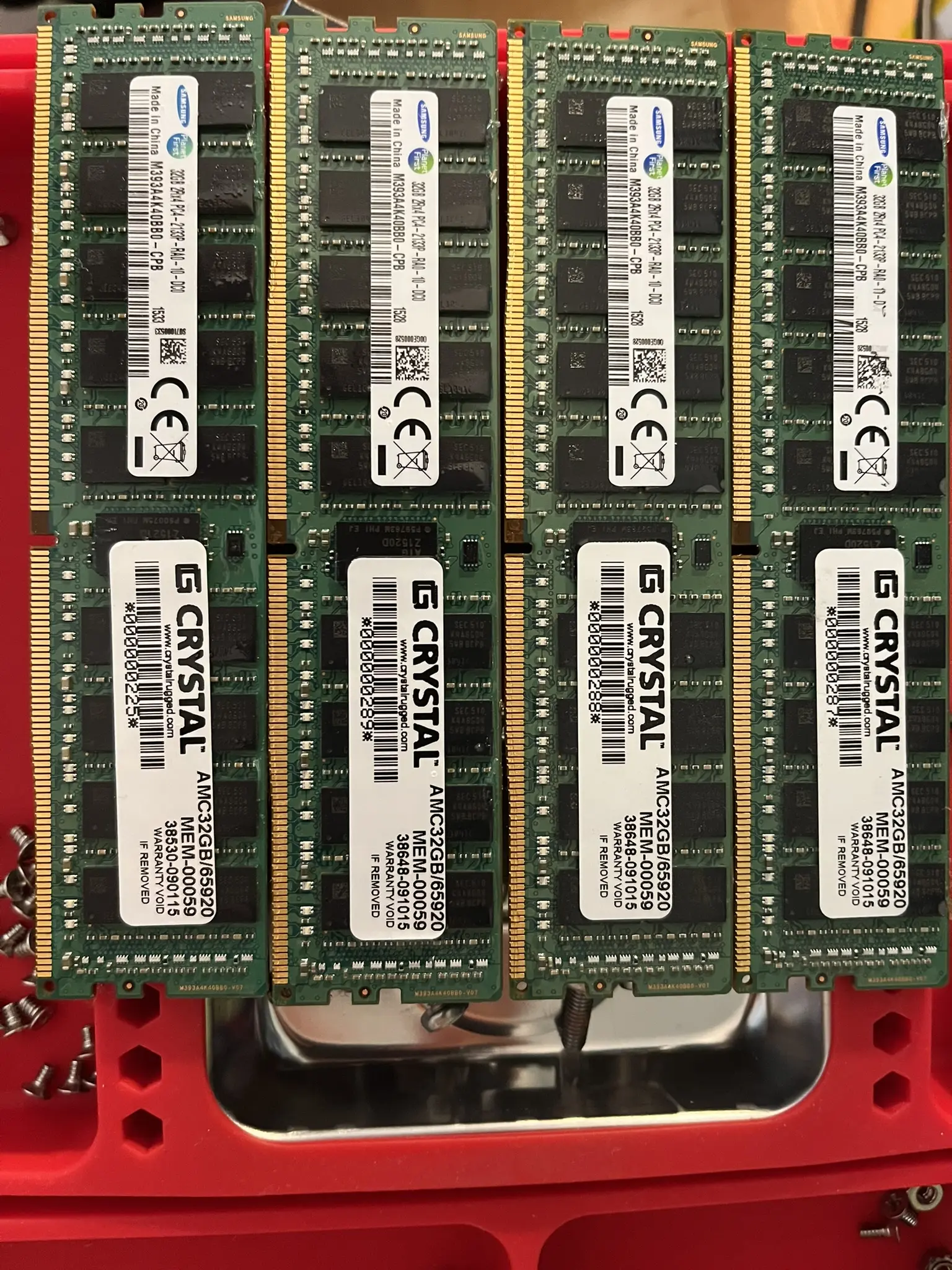
Looks like when estimating the potential cost of the server pre-purchase, I had not considered the RAM. 256GB of ECC DDR4 per server 🤑🤑. Glued together via spacers atop the sticks, and covered in an oily goop - but DDR4 nonetheless.
# Discovering a Spec Drawings Doc + The OG Auction
In other ‘why was this made available’ findings, I ended up tracking down a PDF published by the auction house that the original buyer of this lot of servers sourced them from that begins with a preface about it being “Export Controlled under EAR” and disclaimers on every page from Crystal Group saying “RECIPIENT AGREES NOT TO DISCLOSE OR REPRODUCE ALL OR PART OF THIS DRAWING”. Crystal appears to still manufacture this model, so I don't quite understand why RTX thought it was appropriate to provide the mechanical drawings to the auction-house. How did I stumble upon this? Well, I punched into Google Search what I thought was a model number for one of the PCIe cards - thinking it was a generic OEM model identifier - but looks like the card was actually re-labeled with Crystal PNs. And this document was indexed in Google. Here's the hotlink to it for those curious if it is still up.
# Finding the Auction Site
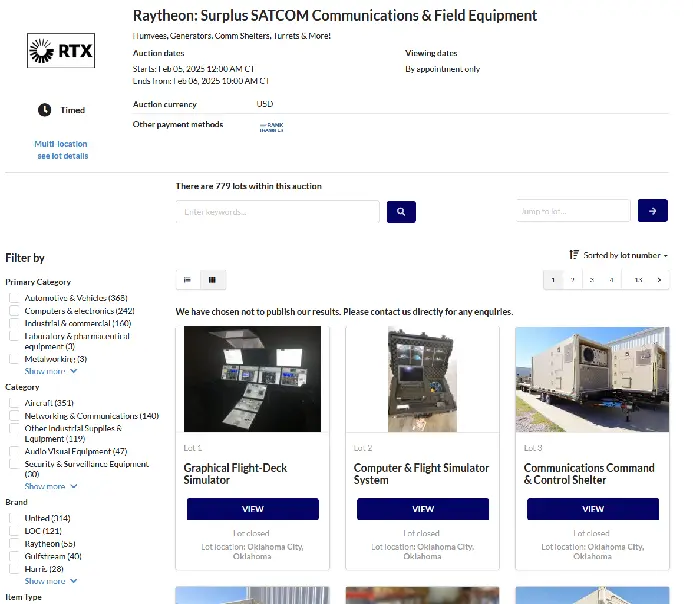
Poked around the website hosting the PDF for a while, till I was able to trace down the original listing! The auction, titled “Raytheon: Surplus SATCOM Communications & Field Equipment” had a staggering 779 lots. That's 779 different listings, with things like Flight-Sims, racks of equipment inside portable shelters, some insane aeronautical surveillance cameras, and tons of other communications equipment I wouldn’t know how to describe. Check it out live here or archived here.
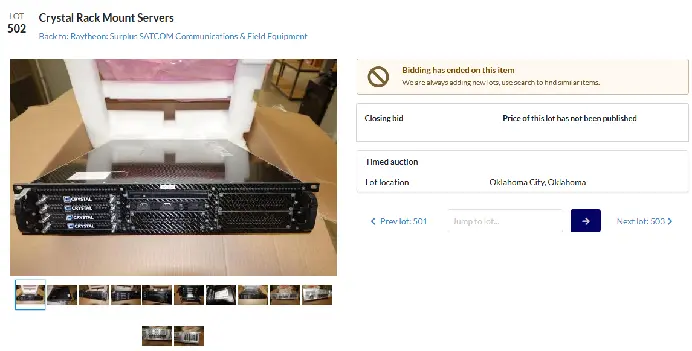
My servers appear to have come from lot 502 (live, archive) - which sold for an unpublished amount on Feb 06, 2025. The lot description doesn't include any links to the previously mentioned document, so I’m not quite sure where that was published.
# Booting the Server
# Getting it Powered
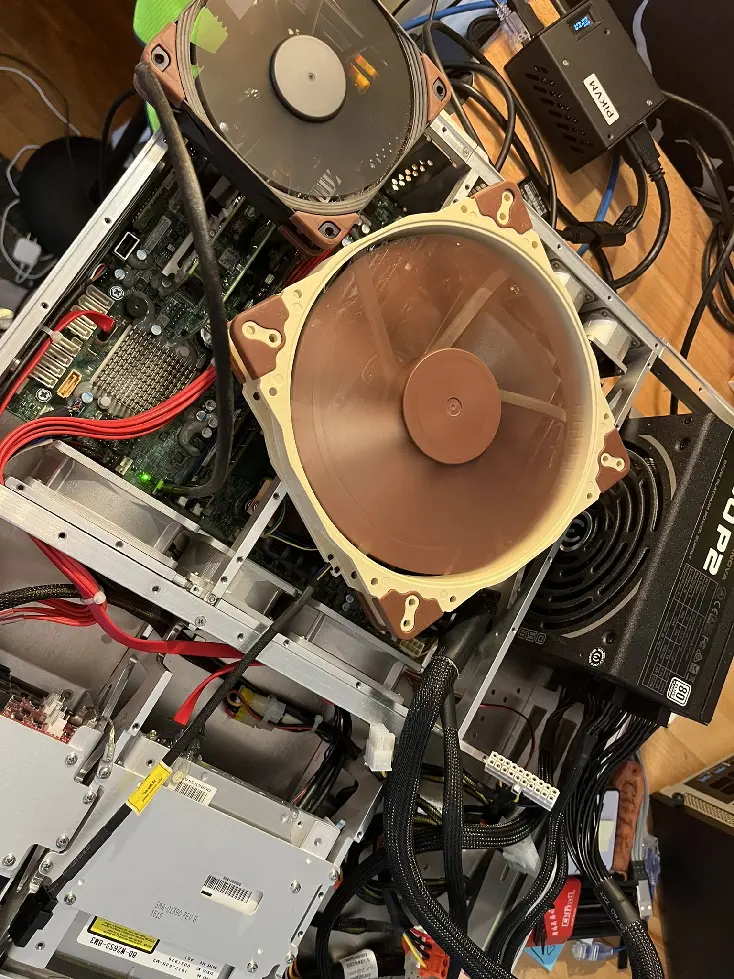
I looked around my apartment but unfortunately I did not have a CB6P20-22SS-A34 (MIL-DTL-5015) connector nor 28VDC service to power the unit, so I pulled out the funky PSU in the server and swapped in my own. Of course, half of the connectors had to be glued on, so it took me longer than I thought, but we got there. I didn’t have the right gear to get all the fans hooked up (they were wired straight into the PSU instead of going through the MOBO headers for some reason), but a couple Noctuas on top did the job well enough.
# Getting into the IPMI
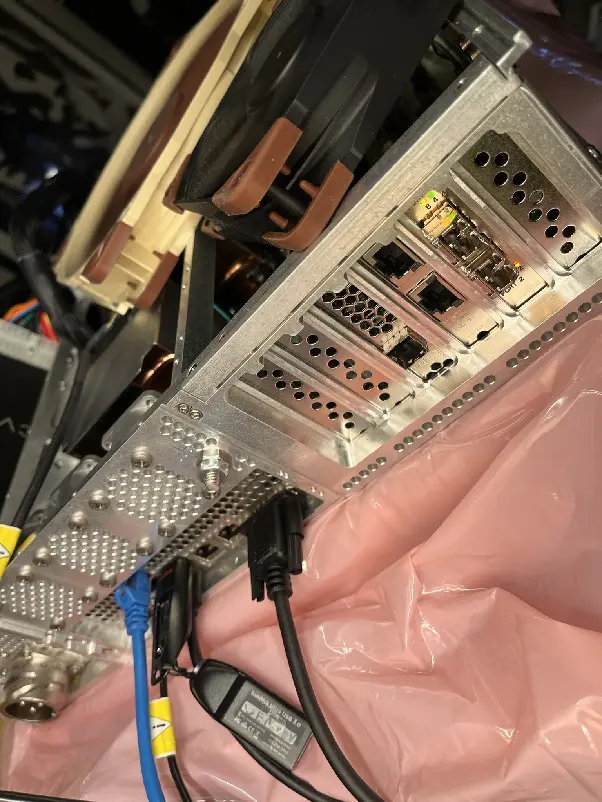
Once I got it powered on, my next challenge was actually connecting to it… turns out after I got rid of my old monitors a few months back I no longer had anything that could capture VGA output. I tried getting into the IPMI but the interface wasn’t asking my router for a DHCP lease - and wasn’t otherwise advertising itself as active (outside of a link light on the port).
# Getting display out
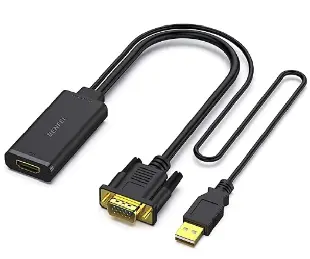
Went to the local Microcenter and it turns out VGA to HDMI adapters aren’t a hot commodity so they had none. Apparently VGA to HDMI is a bit more complicated than the other direction, as it requires some supplemental power over USB.
# Getting into the BIOS
Once I got the cable, I was able to reset the IPMI, which, interestingly, had been set statically to 173.11.10.202/24 - which is not in a private subnet or other reserved address block.
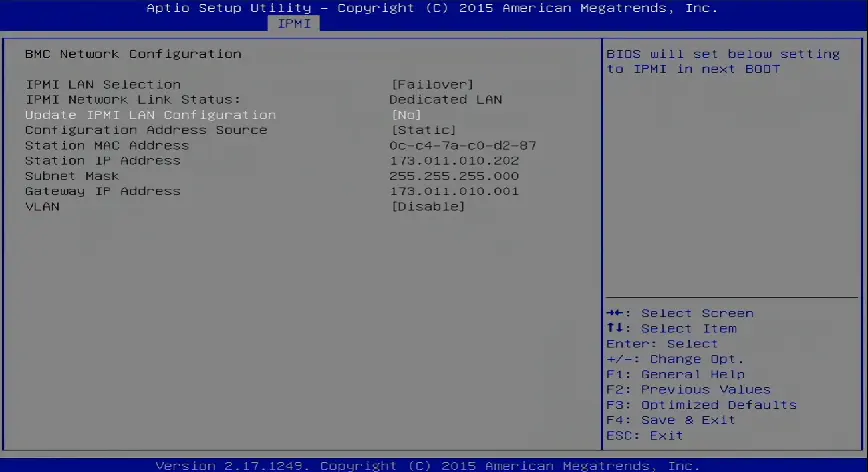
It also had the boot mode set to LEGACY, so I swapped that over to UEFI.
# Back to the IPMI
Plugged in a USB semi-virtually (my PiKVM is plugged into the server’s USB and can mount arbitrary files), and used the BIOS to trigger a boot to it. Curiously I wasn’t getting any video output. I decided to fall back to the IPMI KVM, but that came with some problems. I’ve worked with a couple of SuperMicros before, both brand new enterprise gear and older stuff from ebay, and I’ve never actually run into one that doesn’t have the modern HTML KVM as an option. Falling back to the Java JNLP applet was much more of a pain than it needed to be. I had to:
- Download an older version of Java (JDK 8u151). Oracle makes this a pain, and all the old repos I used to use seemed to be dead.
- Even after disabling every security feature I still had to roll my computer’s clock back to 2015 to get past some disabled features and expired certificates.
(For whatever reason I did all this research in a private window and didn’t document it, so I no longer recall what the exact error message was)
Once I got into the IPMI’s KVM I saw it was the RAID card that was holding up the boot. Not sure why this didn’t make its way to the VGA output. On that note I know almost nothing about how cards like these place themselves into the boot process to present a configuration screen like this.

Press any key to continue…
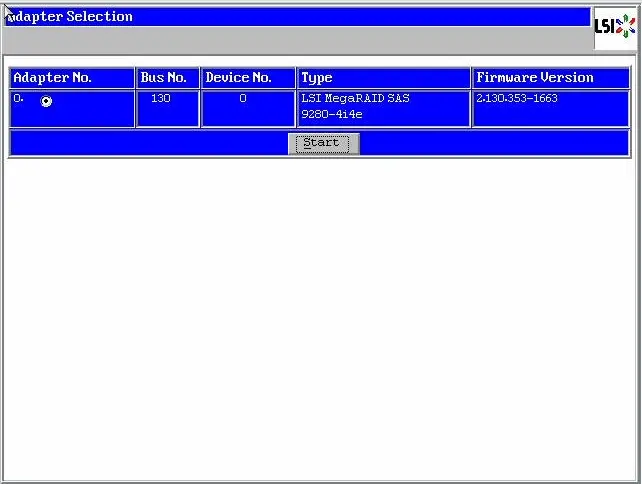
If you hit ‘C’, you get this cute little LSI screen, with not much to do without any drives attached.
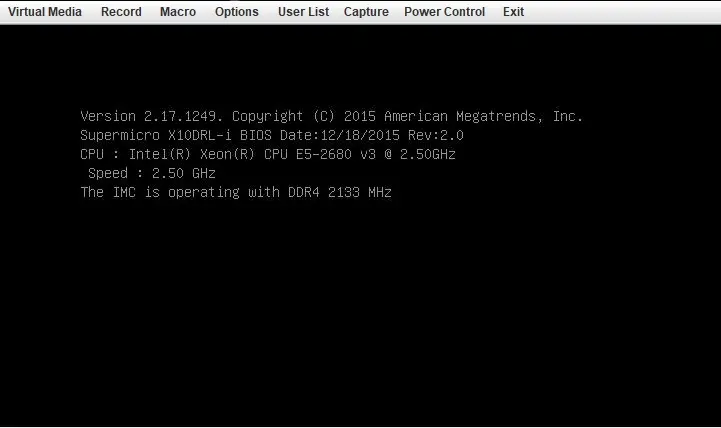
Wait for this guy to go on by
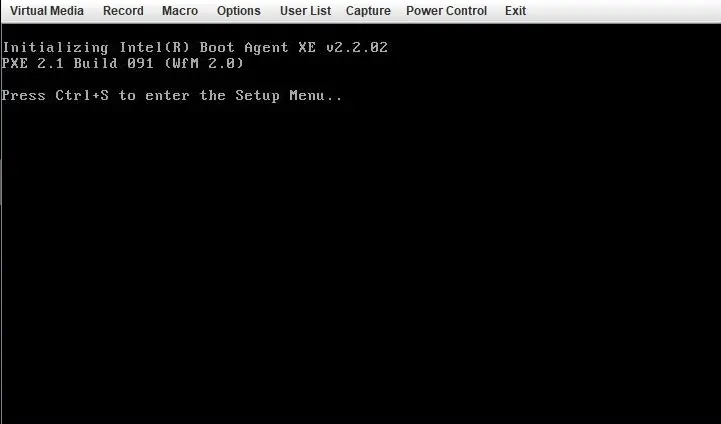
Another splash screen
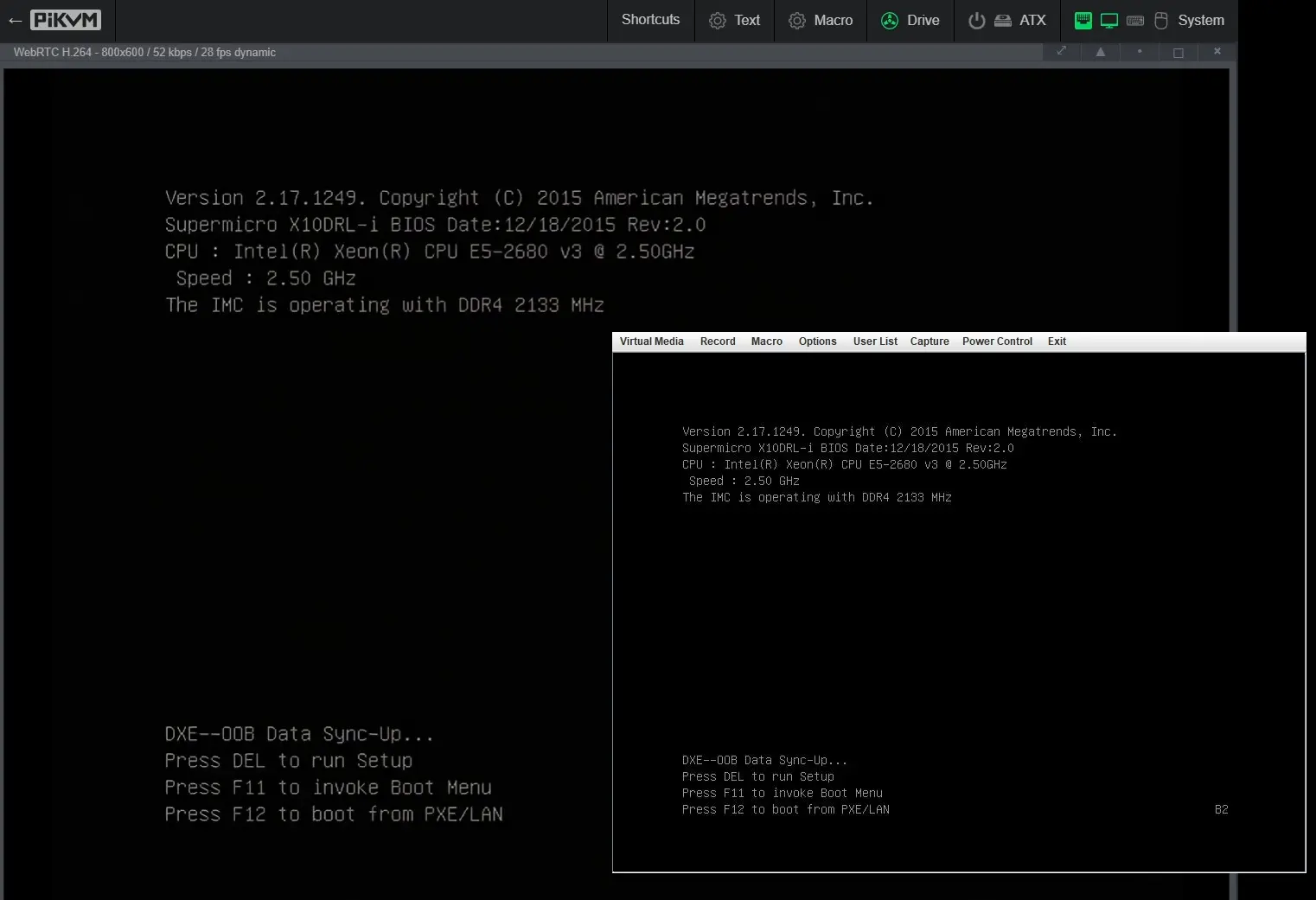
… and finally at a screen that is actually also going out the VGA port!
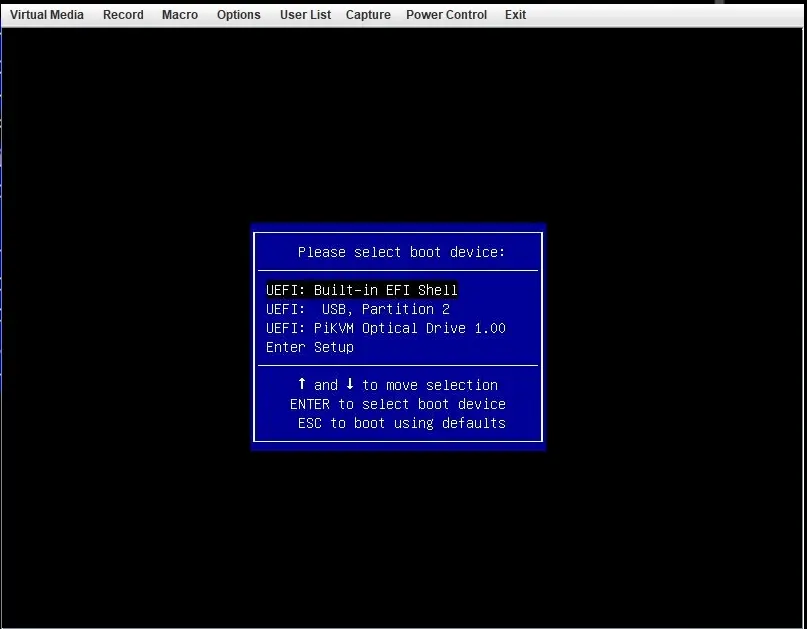
Boot into my media
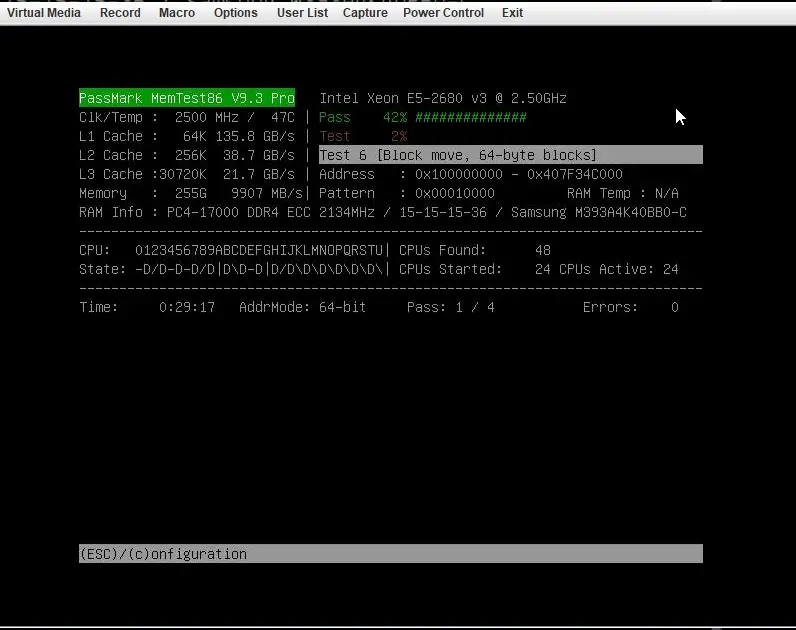
Ran some super quick memtests just to make sure the RAM was good, as I plan to resell it quickly.
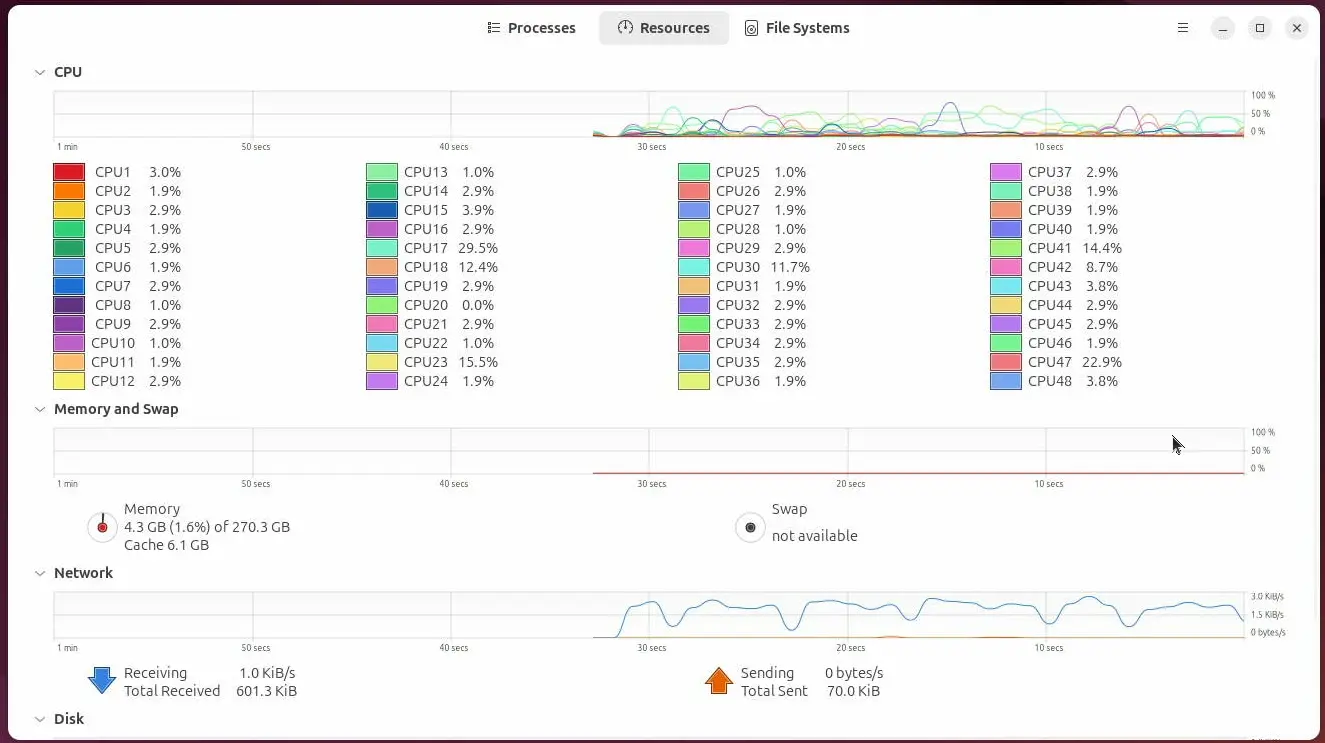
Boot into Ubuntu and check out all those cores 😁.
# Conclusion
Made my money back selling RAM alone; sold off all the RAM from one unit, and half from the other (I think I’ll be fine with just 128GB). Sold off the rest of the components for the server all at once. Probably could have made more money selling each piece individually - especially, the motherboard - but I figured I would take the easy route. So, all in all, a pretty fun weekend project, that I was able to walk away from a few hundred dollars richer and with a free carbon fiber server (-128GB of RAM) that can sit in a rack in my cluttered room and look sick (i.e., collect dust).